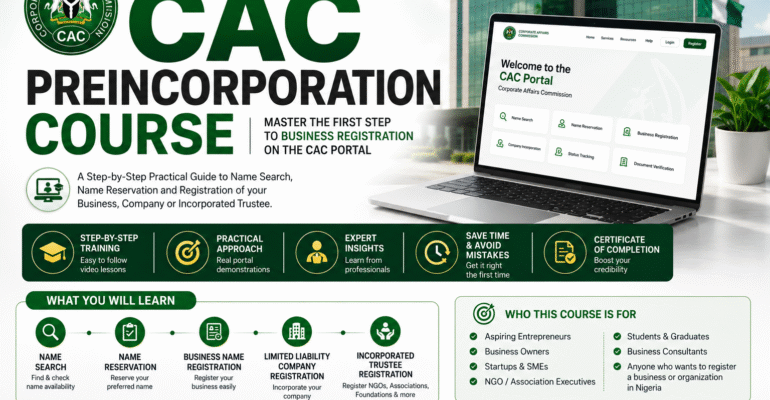
HOW TO CREATE A PUBLIC USER ACCOUNT
Learn how to create and activate a Public User Account on the CAC portal.
This lesson covers account registration, email verification, profile setup, and the essential requirements needed to access CAC online services
PUBLIC USER ACCOUNT CREATION00:11:22
HOW TO DO A NAME SEARCH ON CAC PORTAL
Learn how to conduct a business search on the CAC portal to determine whether a proposed name is available for registration.
This lesson covers name availability checks, search procedures, and tips for choosing approvable business names
NAME SEARCH PRACTICAL00:15:13
NAME RESERVATION ON CAC PORTAL
This lesson provides a step-by-step guide on how to reserve name on CAC portal. Learners will understand the requirements for name reservation, how to submit proposed business names, complete the reservation process, make the required payment, and track the status of their application. By the end of this lesson, participants will be able to successfully reserve a business name and prepare for the next stage of business registration
NAME RESERVATION PRACTICAL00:11:43
BUSINESS NAME REGISTRATION
This lesson provides a comprehensive guide to registering a Business Name on the CAC portal after obtaining name reservation approval. Learners will be taken through the process of completing the registration form, entering proprietor details, selecting business activities, uploading required information, making payment, and submitting the application for approval.
BUSINESS NAME REGISTRATION PRACTICAL00:26:21
LIMITED LIABILITY COMPANY REGISTRATION
This lesson provides a detailed step-by-step guide to registering Limited Liability Company through the CAC Portal. Learners will understand the requirements fior compsny registration, including name reservation, company structure directors, shareholders, share capital, and registered office address.
The lesson demonstrates how to complete the incorporation process, upload necessary information, make payments, submit applications, and obtain incorporation documents upon approval. By the end of this lesson, participants will be able to confidently register a Limited Liability Company on the CAC portal from start to finish.
By the end of this lesson, learners will be able to:
1. Understand the concept and benefits of a Limited Liability Company.
2. Identify the requirements for company incorporation.
3. Access an approved name reservation for company registration.
4. Complete the company incorporation form correctly.
5. Add directors, shareholders, and persons with significant control.
6. Determine and allocate share capital appropriately.
7. Enter the registered office address and company details.
8. Review and validate incorporation information.
9. Make the required CAC incorporation payment.
10. Submit a Limited Liability Company registration application successfully.
11. Track application progress and respond to queries.
12. Download and verify incorporation documents after approval.
LIMITED LIABILTY COMPANY REGISTRATION PRACTICAL00:51:20
CHURCH/NGO/CLUB/ASSOCIATION NAME RESERVATION
This lesson provides a practical guide on how to reserve a name for an Incorporated Trustee organization through the CAC portal. Learners will understand the requirements for Incorporated Trustee name reservation, how to select suitable organization names, complete the reservation process, make the required payment, and track application status. The lesson also covers CAC naming guidelines and common reasons why proposed names may be rejected. By the end of this lesson, participants will be able to successfully reserve a name for associations, NGOs, religious bodies, clubs, foundations, and other Incorporated Trustee organizations.
By the end of this lesson, learners will be able to:
Understand the concept of an Incorporated Trustee.
Identify organizations eligible for Incorporated Trustee registration.
Understand CAC naming guidelines for Incorporated Trustees.
Select appropriate names for reservation.
Access the Incorporated Trustee name reservation section on the CAC portal.
Complete and submit a name reservation application.
Make the required reservation payment.
Track the status of a reservation application.
Identify common reasons for name reservation rejection.
Proceed to the next stage of Incorporated Trustee registration after approval.
INCORPORATED TRUSTEE NAME RESERVATION
INCORPORATED TRUSTEE REGISTRATION IN PROPER00:21:19
How to Extract and Merge Newspaper Publication Pages for Incorporated Trustee Registration00:16:29